Inside Donskul · · 2 min read
Taking attendance in under a minute with Donskul
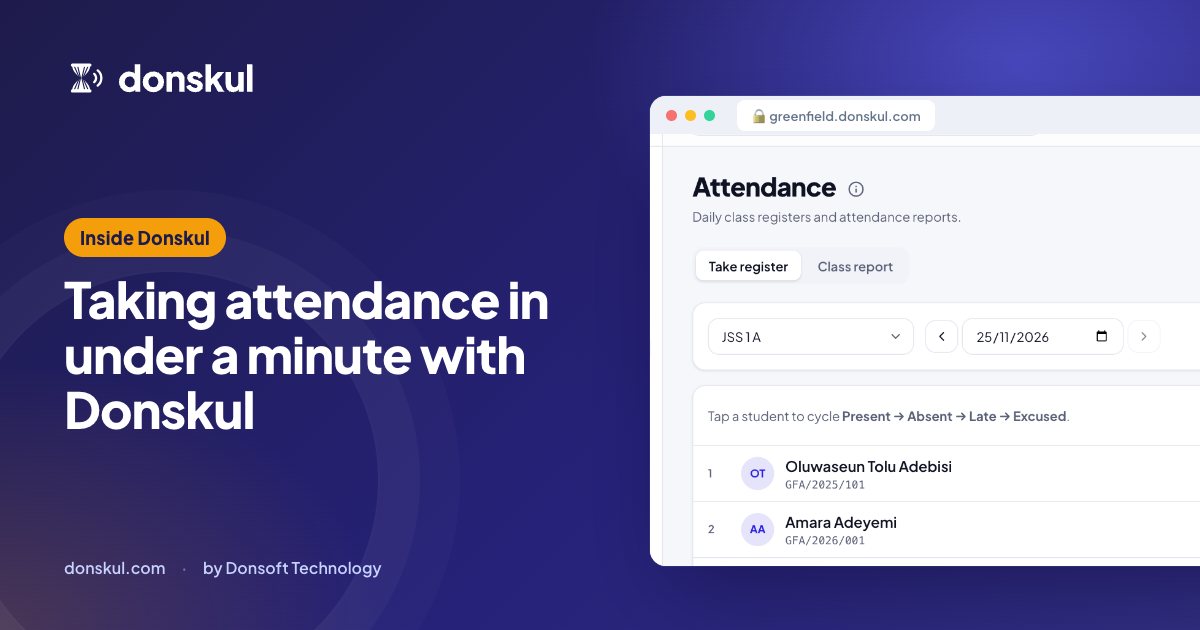
It's 7:55am. Assembly has just ended, children are filing into class, and the form teacher is hunting for the register. Someone borrowed it on Friday. By the time it turns up and every name is called, first period has lost ten minutes.
Attendance matters more than it looks. It's how you know a child has been missing school, how you answer a worried parent, and how you defend a decision at a PTA meeting. But it shouldn't take half the morning.
What the attendance page does
In Donskul, attendance lives on one page with two tabs: Take register and Class report. The page describes itself simply: daily class registers and attendance reports.
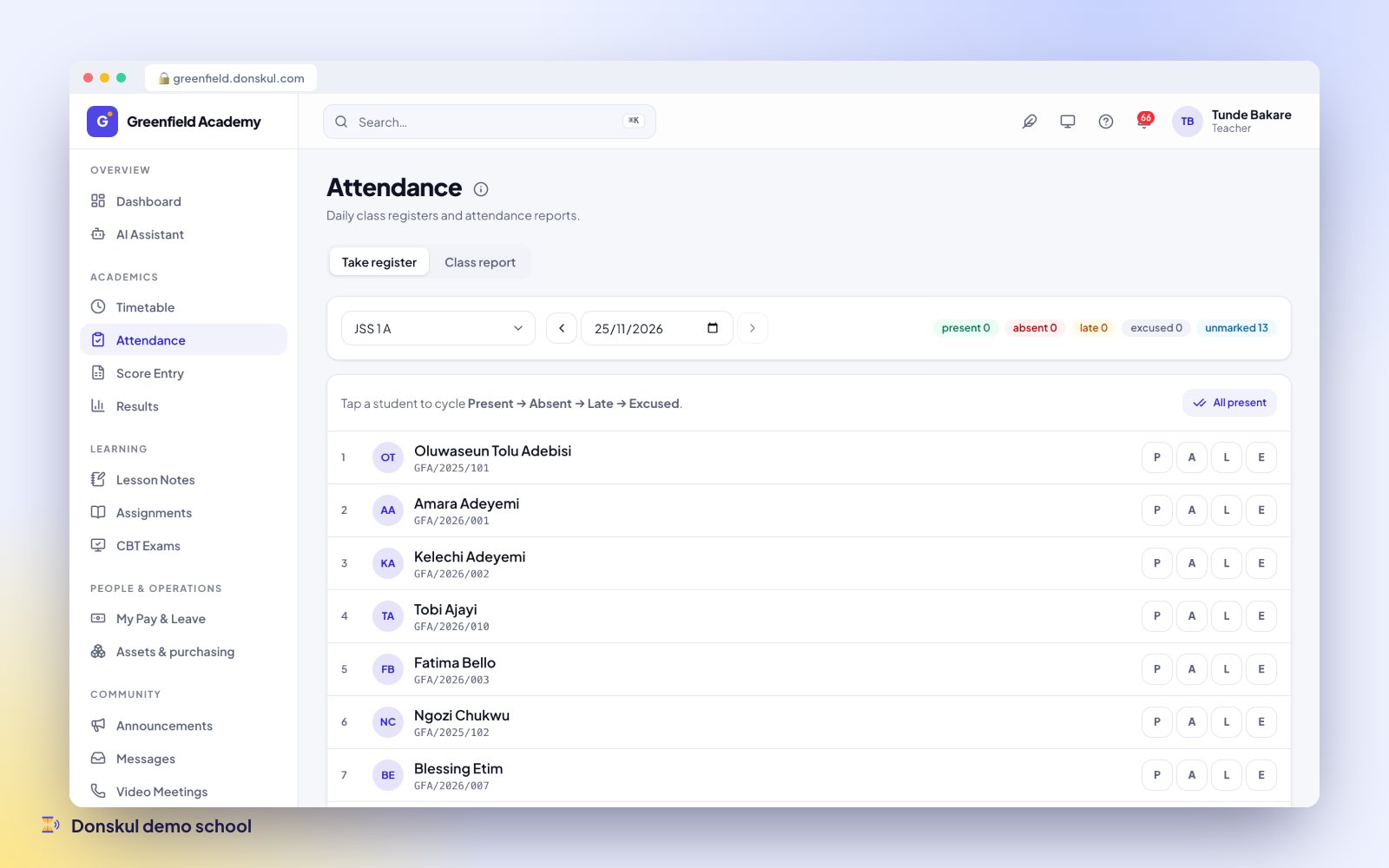
On the Take register tab, the teacher picks a class and a date. Every student in that class appears in a list with their admission number. Next to each name are four buttons: P, A, L and E, for Present, Absent, Late and Excused. You can also tap a student to cycle through them.
At the top, small counters keep score as you go: present, absent, late, excused and unmarked. So you can see at a glance if anyone has been missed.
How to take a register
- Open Attendance from the menu and stay on Take register.
- Choose your class. The date is today's by default; use the arrows to go back a day if you forgot.
- Tap All present. On most days, that's nearly everyone.
- Change the few who are absent, late or excused.
- Tap Save register. The button shows how many students are marked, so you know you haven't skipped anyone.
That's it. For a class of 30, most of the work is one tap and a handful of changes. Under a minute is realistic once you've done it a few times.
Schools moving from paper can bring old records in with the Import button, so the history isn't lost.
Who benefits
Teachers stop carrying a book around and can mark from their phone, even on an older one with Lite mode.
Proprietors and heads see today's attendance on the dashboard and a 14-day trend, and can open the Class report tab when they need detail.
Parents see their child's attendance on their own login, next to results and fees, so the conversation about lateness starts with facts.
A small habit that pays off
Good attendance records are boring until the day you need them. Then they're gold. Make the register a one-minute habit, and you'll always have the answer when someone asks, "Was my child in school on Tuesday?"

Run your whole school on Donskul
Results, CBT, fees, payroll and parents in one app that works on any phone. Free trial, no card needed.
Ready to take the next step?
Start your free trialEnjoyed this? Follow Donsoft on Facebook for new articles and Donskul updates.